
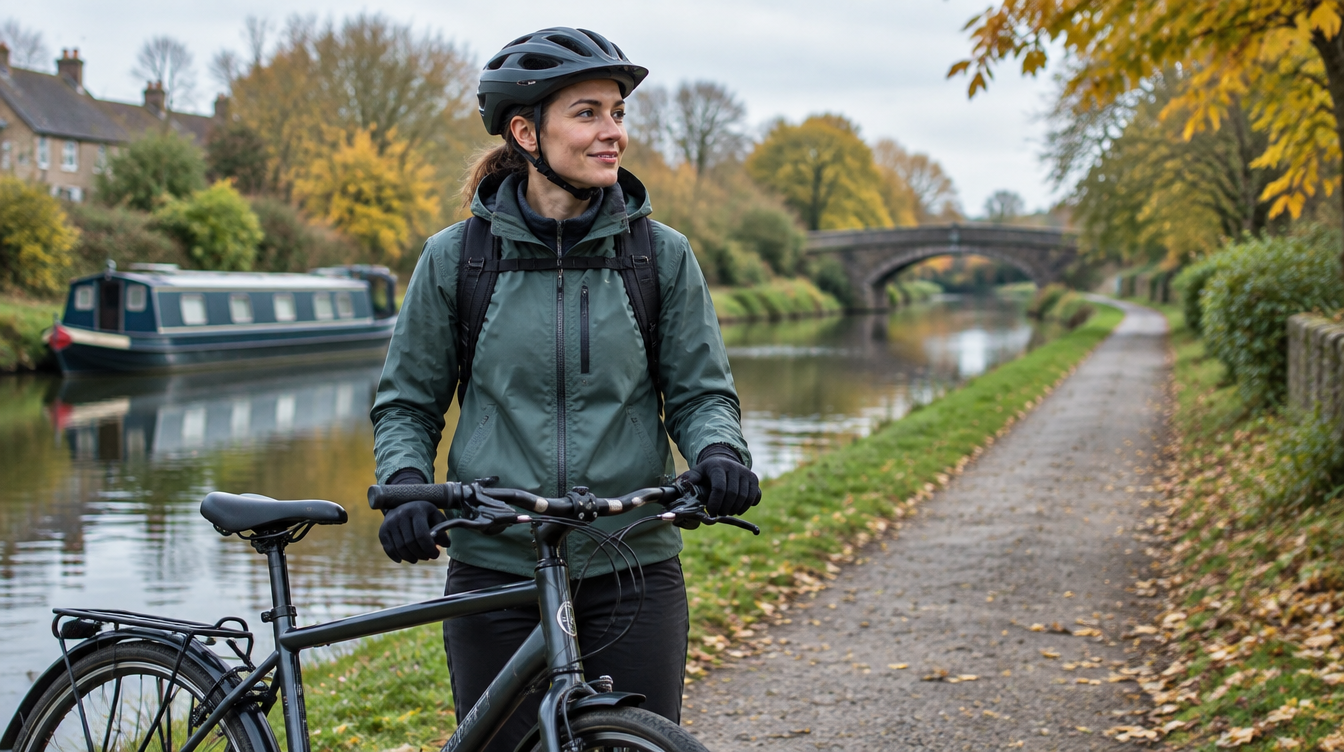
Featured image: AI-generated editorial illustration, not product photography or camera footage.
Quick answer: Choose a cycling camera by the recording job first: ahead, behind or both. Then check helmet or bike compatibility, weight, runtime in your chosen mode, storage and how easily you can confirm recording and save files. Image quality matters, but a camera that fits your everyday routine is more useful than a feature list you rarely use.
There is a particular kind of optimism involved in buying cycling equipment. The new jacket will somehow make the rain more agreeable. The new bag will finally contain everything. The new gadget will require absolutely no charging.
A riding camera can earn its place in the routine, but it helps to start with realistic expectations. Its job is to give you a record of what it can see around your ride. It does not prevent an incident, replace observation or guarantee a result if you later share the footage.
Here is how to choose a setup for the commute, familiar lanes and ordinary journeys that make up most cycling.
What do you want a cycling camera to record?
Think about your usual route and why you want footage. Perhaps you would like a record of junctions ahead. Perhaps passing traffic approaching from behind is your priority. Or perhaps you want both views without managing two separate cameras.
A front camera records within its forward field of view. A rear camera provides a different perspective on approaching and following traffic. Front-and-rear recording combines those directions, although obstructions and blind spots remain.
No single view records everything a rider sees, hears or understands. Begin with the situations you want documented rather than treating every extra specification as an automatic improvement.
Helmet camera or bike-mounted camera?
A helmet-mounted view follows your head. That can capture where you look at a junction, while also moving away from the road ahead during a shoulder check. A bike-mounted camera has a more fixed relationship to the bicycle.
Neither arrangement is automatically best. A rear unit on the bike may suit a rider who wants a consistent backward view. A lightweight helmet camera may appeal when a simple forward record matters. One dual-lens helmet unit can capture both directions, provided both lenses remain clear.
Consider how you carry luggage, where your clothing sits and what happens when you change riding position. A view that looks unobstructed beside the bike may be different when you lean forward to ride.
Check your helmet manufacturer’s attachment guidance
A helmet is protective equipment first. Do not assume a supplied camera mount is approved for every helmet, and do not drill, cut or modify the helmet to make an accessory fit.
Read the current instructions for your particular model and ask the helmet manufacturer if anything is unclear. For example, Bell’s bicycle helmet manual restricts attachments to those it recommends and warns against unapproved adaptations. That is a reason to check your own instructions, not evidence of blanket compatibility.
A camera or mount should not interfere with fit, straps, vision or normal movement. If your helmet does not permit a suitable attachment, consider a compatible bike-mounted arrangement rather than improvising a workaround.
Think about weight and the whole setup
Camera weight is only one part of what you fit. Holders, adapters and mounts add to it, and the position of that weight can affect how the setup feels.
HC-1 weighs a stated 48g for the camera, excluding mounts. DC-1 and DC-2 Pro have stated camera weights of 104g, excluding mounts. That difference reflects different recording arrangements; it is not a reason to assume the lightest model does every job.
For regular use, comfort and practicality matter. You should be able to look around normally and secure the camera using a permitted method. Do not choose a position simply because it makes a striking photograph.
How much battery life do you need?
Add up the time you want recorded between charges. Two 40-minute commuting legs need a different plan from a three-hour weekend ride. Include time left recording during stops and allow room for delays.
The current stated maxima are up to 2.5 hours for HC-1 and DC-1; up to four hours for DC-2 Pro in dual Full HD at 30fps; and up to seven hours for LC-2 Pro, with recording and light settings affecting duration.
DC-2 Pro’s dual 2K setting has a stated duration of approximately 190 minutes at 30fps. The longest-runtime figure and highest-resolution mode should not be treated as the same setting.
Actual duration depends on conditions, settings and use. Test your setup and follow the model guidance for any external-power arrangement. A large memory card does not extend battery life.
What makes the picture useful?
Look for representative footage as well as recording specifications. A higher resolution can retain more detail under suitable conditions, but light, movement, distance, angle and a clean lens all affect the result.
A camera is not a distance-measuring instrument, and a passing number plate will not necessarily be readable. A wide view can add context while leaving a distant subject small within the frame.
Watch ordinary examples rather than judging from a still photograph. Explore Techalogic’s labelled video library or ask for a sample relevant to your route. A website illustration is not camera footage or proof of performance.
Make sure storage and loop recording suit the job
Choose a microSD card that meets the current guidance for your exact camera. Supported capacity, recording speed and formatting requirements can differ between models. Bigger is not automatically compatible.
With loop recording enabled, older eligible files can be replaced when the card fills. That makes routine use easier, but it also means footage you care about should be copied promptly.
Get familiar with retrieving files before you need one. When safely stopped, save the original clips and relevant context to separate storage. If there are two recorded views, retain both where useful. Back up files before formatting a card.
Rain, spray and the small print
British cycling provides a fairly thorough introduction to water coming from several directions. Check the camera’s stated weather protection and the instructions for port covers and connections.
HC-1, DC-1 and DC-2 Pro are listed as IP65; LC-2 Pro is listed as IP66. Follow the product guidance and do not treat either rating as permission for immersion or careless charging in wet conditions.
A dirty or wet lens can also affect footage even while the camera continues recording. Check the lenses before leaving and clean them using the recommended method. It is a small job with more practical value than another evening comparing specifications.
Which Techalogic cycling camera fits which need?
| Your priority | Model to consider | Main trade-off |
|---|---|---|
| A small, lightweight forward helmet view | HC-1 | One recording direction; no rear view at the same time |
| Straightforward front-and-rear helmet recording | DC-1 | Full HD dual recording and shorter stated runtime than DC-2 Pro |
| Higher-resolution dual recording and a longer Full HD runtime | DC-2 Pro | Remote and GPS are optional extras; mode affects duration |
| Rear cycling recording with an integrated light | LC-2 Pro | One lens; no simultaneous forward view in the normal rear bike setup |
The standard DC-1 kit includes a wireless remote. DC-2 Pro’s remote and GPS module are optional. LC-2 Pro includes three seat-post fitting options, while its seat-rail and magnetic mounts are optional additions.
Check the current camera comparison and compatible accessories before ordering. Choose a mount, card and camera as a working arrangement rather than unrelated items in a basket.
Controls matter on an ordinary Tuesday
Imagine preparing for work with gloves on and a bag already over your shoulder. Can you start recording easily? Can you understand the camera’s indication? Can you check the view without turning departure into a technical workshop?
Learn the controls off the bike. HC-1, DC-1 and DC-2 Pro provide one-button operation and vibration alerts, but you should still read the model instructions and understand what each indication means.
Use phone apps and adjust equipment while safely stopped. Recording should become part of the preparation, leaving your attention available for riding.
Do a short test before relying on the setup
Fit the camera according to the relevant instructions, select your normal mode and record a short clip. Check the angle in your usual riding position and review both lenses if fitted.
Look for obstructions from a jacket, saddlebag or other equipment. Confirm that files save and play correctly, the date and time are sensible and the battery meets your ordinary journey.
Repeat after a mounting change. The best time to find out the rear lens has spent an hour filming a reflective collar is when nothing important depended on the recording.
Questions cyclists often ask
Do I need front and rear cameras?
Only if both views serve your recording needs. Front and rear provide different context, while a single view can be a practical choice for a specific job.
Will footage guarantee police or insurance action?
No. Requirements and decisions vary. Keep original files and check the receiving organisation’s current official guidance if you intend to submit footage.
Should a camera replace a rear light?
A camera without a light does not perform a lighting job. LC-2 Pro combines recording and an LED light, but you still need to check the suitability of your complete lighting arrangement for your riding conditions and applicable rules.
What if I am unsure about the fit?
Ask the helmet or bike manufacturer about attachment suitability and talk to Techalogic about the camera and compatible fittings. A product photograph does not establish compatibility with your equipment.
Choose a camera you can make part of the ride
Start with the view, confirm a suitable fit and choose enough runtime. Then make charging, lens checks and saving useful files simple habits.
That is Logical Tech in practice: technology that earns its place through a clear job and everyday usefulness. Use the camera finder to narrow the choice around your own cycling.