
Legacy product support
XV-1 support
Single-lens helmet camera setup, app connection, firmware and troubleshooting. XV-1 is no longer sold, and its manual, firmware and help remain available here.
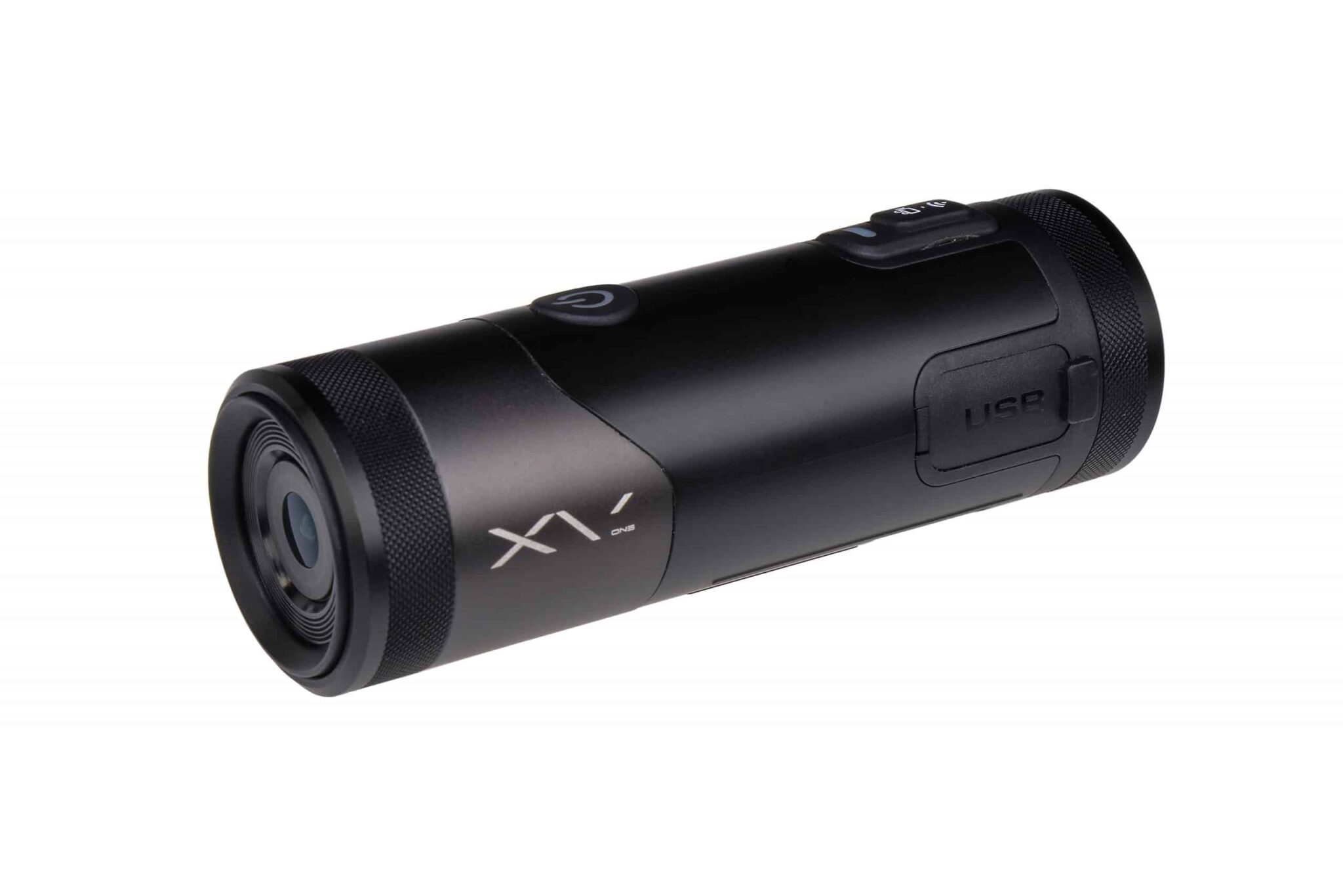
Your product reference
Manual and downloads
This manual is for XV-1 cameras received from July 2020 onwards. It contains full instructions and troubleshooting.
Quick start
Use this alongside the manual. Back up important recordings before formatting a card or updating firmware, and follow your helmet manufacturer’s guidance when fitting mounts.
Charging and memory card
- Charge fully before first use with the supplied USB cable, from a mains adaptor or power bank. The red charging light goes off when charging is complete.
- Open the card slot cover and insert a Class 10 microSD card up to 128GB, the right way round. Close the cover securely to keep the IP66 rating.
- Format new cards in the camera or the Viidure app before first use.
Power and recording
- Press and hold the power button for 3 seconds to switch on or off. The camera vibrates to confirm.
- Short press the recording button twice to start or stop recording. The green light shows while recording.
- Do not remove the card while the camera is recording.
Wi-Fi and the Viidure app
- Stop recording, then short press the Wi-Fi button twice. The blue light flashes, then turns solid once connected.
- Install Viidure, connect to the camera in your phone’s Wi-Fi settings using the details in the manual, then open the app.
- Use the app as a viewfinder to check the camera angle.
Mounting, battery and care
- Use the included mounts and 3M pads, make sure the camera cannot move, and adjust the angle for the view you need.
- The internal battery gives about 2.5 hours of recording. A Techalogic power bank extends this.
- Keep the lens clean, check the mount before each ride and keep the weatherproof cover sealed.
Find an answer
Setup and troubleshooting
17 help topics
No matching topics. Try a shorter term or contact support.
Charging and battery
How long is the battery life?
About 2.5 hours from a full charge. The camera keeps working when connected to power with the supplied cable, so a 10,000mAh power bank adds roughly 10 hours. Cold weather reduces battery life.
My camera is not charging fully and the run time is short
Use the supplied charging cable with a mains adaptor or power bank. A computer or laptop USB port does not provide enough power to charge the battery fully.
How do I check the battery level?
Stop recording, then press the power button twice. The camera vibrates:
- 3 times: more than 50% charge.
- Twice: 30% to 50%.
- Once: less than 30%.
My camera turns itself off after a few minutes
The energy-saving system switches the camera off when it detects no motion for 3 minutes. It is disabled when external power is connected, and you can turn it off in the app settings. An unrecognised memory card can also cause this.
Why will my camera not turn on?
The battery may be flat. Charge it and allow time before switching on, longer if it has been fully drained or left uncharged for a while. If charging does not help, use the reset function.
Wi-Fi and app
Which app should I use?
Use the Viidure app, available for iOS and Android.
I can’t connect to the app
- Check the camera’s Wi-Fi is on: stop recording, then press the Wi-Fi button twice until the blue light flashes.
- Find the camera in your phone’s Wi-Fi settings and connect. Make sure you are using Wi-Fi, not Bluetooth.
- Two lights flashing alternately means the camera cannot detect the memory card. Format the card by pressing the recording button 5 times, then connect again.
- Security or firewall apps on your phone can block the connection. Allow the Viidure app in their settings.
How do I set the date and time?
The date and time update automatically when you connect to the app.
Recording and video
How does loop recording work?
The camera records in short files. When the card is full, it overwrites the oldest files first, so a 128GB card always holds about the last 18 hours. Choose 1, 3, 5 or 10-minute files in the app. If you turn loop recording off, files are saved in 15-minute segments and recording stops when the card is full.
How many hours will I get on a memory card?
About 18 hours on a 128GB card and 9 hours on a 64GB card. Use a Class 10, U3 card of at least 80MB/s.
How do I format the memory card?
On the camera: stop recording and turn off Wi-Fi, then quickly press the recording button 5 times. In the app: connect via Wi-Fi, open settings and choose format. Formatting deletes everything, so back up first.
My card is full. How do I delete old files?
Files are overwritten as the camera records, except locked files. Format the card to delete everything, or manage individual files in the app or on a computer.
Does the camera record sound or take photos?
It records sound through a built-in microphone. It takes photos in photo mode, selected in the app or with the optional remote control. See the manual for details.
How do I adjust the microphone level?
There are three sensitivity settings: high, medium and low. Cameras are supplied on medium. To change it, install the firmware file for the level you want from the firmware section below.
How do I play or edit H.265 video?
XV-1 records in H.265 (HEVC), which keeps files smaller at the same quality. Current versions of VLC, PotPlayer, KMPlayer or QuickTime will play it. If your editing software cannot open H.265, convert the files, or contact us for firmware that switches the camera to the older H.264 format.
Can I improve image stabilisation?
XV-1 has no electronic stabilisation. The free Shotcut editor includes a stabilise filter you can apply after recording.
Fitting
How do I mount the camera?
XV-1 uses the standard GoPro-style mounting system. Use the included mounts and 3M pads, then check the angle in the app before riding.
Keep it up to date
Firmware
This is the latest firmware for cameras received from November 2021 (version 1). Download one file only, for the microphone sensitivity you want, copy it to your memory card and follow the update guide. Do not rename the file. Back up your recordings first.
Still need a hand?
Tell us your model, when you bought it, your memory card and what happens. We will help you find the next step.