
Legacy product support
CF-1 support
Front light camera setup, app connection, firmware and troubleshooting. CF-1 is no longer sold, and its manual, firmware and help remain available here.
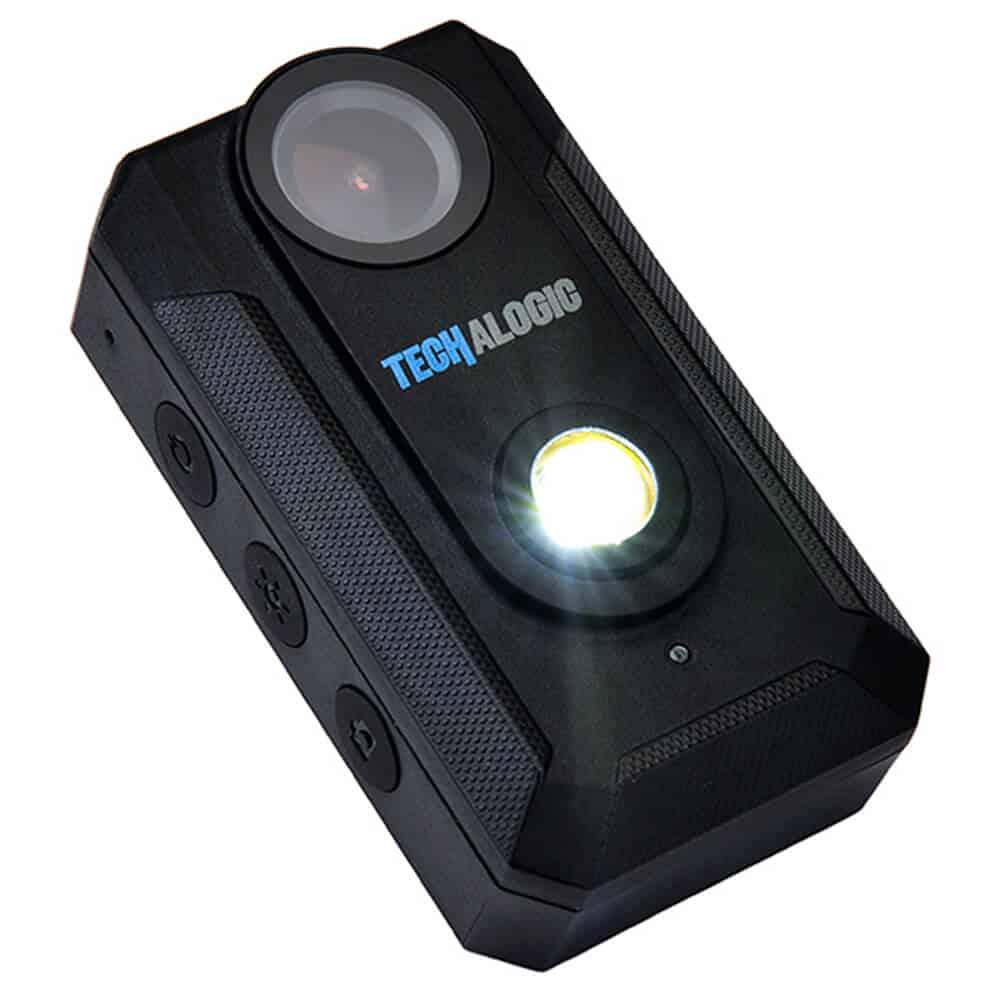
Your product reference
Manual and downloads
This manual is for CF-1 cameras received from September 2021. It contains full instructions, the light sequences and troubleshooting.
Find an answer
Setup and troubleshooting
15 help topics
No matching topics. Try a shorter term or contact support.
Charging and battery
How long is the battery life?
It depends on what is running. Expect about 5 hours with the light on, and over 6 hours with the light off and only the camera recording. Cold weather reduces battery life.
My camera is not charging fully and the run time is short
Use the supplied charging cable with a mains adaptor or power bank. A computer or laptop USB port does not provide enough power to charge the battery fully.
My camera powers down and doesn’t record my whole ride
You should get at least 5 hours. If not:
- Charge with the supplied cable from a mains supply.
- Use a good-quality card of at least 32GB.
- Check for locked files. The G-sensor locks footage when it detects a bump, and on uneven roads locked files can build up until they fill the card. Try a lower G-sensor sensitivity or turn it off, and format the card regularly.
Why will my camera not turn on?
The battery may be flat. Charge it and allow time before switching on, longer if it has been fully drained or left uncharged for a while. If charging does not help, use the reset function.
Wi-Fi and app
Which app can I use with CF-1?
Use Viidure, for iOS and Android. Alternatively, use Ricam on iOS or Ricam Pro on Android.
Why can’t I find my camera on Wi-Fi?
Refresh the network list and try again. Check the memory card is formatted, or try another card.
I’m having problems opening the app on my phone
Security or firewall software on your phone can block the connection. Allow the app in that software’s settings.
Recording and video
How does loop recording work?
The camera records in short files. When the card is full, it overwrites the oldest files first, so a 128GB card always holds about the last 18 hours. Choose 1, 3, 5 or 10-minute files in the app. If you turn loop recording off, files are saved in 15-minute segments and recording stops when the card is full.
How many hours will I get on a memory card?
About 18 hours on a 128GB card and 9 hours on a 64GB card. Use a Class 10, U3 card of at least 80MB/s.
How do I format the card or delete old files?
Connect via Wi-Fi, open the app settings and choose format. Files are otherwise overwritten as the camera records, except locked files. Formatting deletes everything, so back up first.
Does the camera record sound or take photos?
It records sound through a built-in microphone. In photo mode it takes about one photo every second. See the manual for how to select it.
Why is my video showing a mirrored image?
“Sensor mirror” is probably switched on in the settings. Switch it off to record normally.
Can I improve image stabilisation?
CF-1 has no electronic stabilisation. The free Shotcut editor includes a stabilise filter you can apply after recording.
Light and fitting
Can I change the light sequence?
Yes. The manual lists the light modes and how to switch between them.
How do I mount the camera light?
CF-1 uses the standard GoPro-style mounting system, and the bar mount it needs is in the kit.
Keep it up to date
Firmware
Choose the file for when you bought your camera. Cameras bought from 5 January 2022 came with metal CNC bar mounts; those bought on or before 4 January 2022 came with a plastic bar mount. Copy the file to your memory card and follow the update guide. Do not rename the file, and back up your recordings first.
Still need a hand?
Tell us your model, when you bought it, your memory card and what happens. We will help you find the next step.