
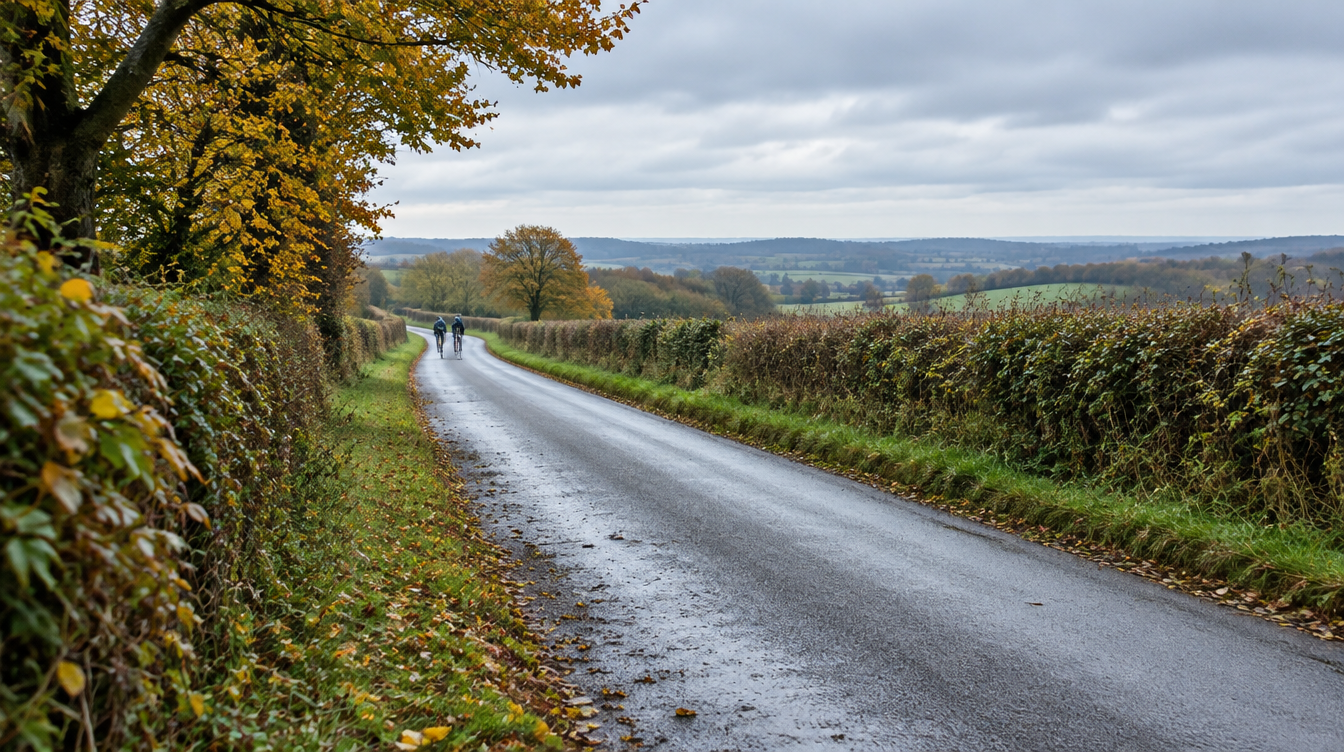
Featured image: AI-generated editorial illustration, not product photography or camera footage.
Quick answer: Resolution matters, but useful riding footage also needs the right view, sufficient light, sensible mounting, dependable power and a working memory card. Higher resolution can capture more detail under suitable conditions. It cannot guarantee readable number plates, remove every blind spot or recover a moment that was never recorded.
Imagine getting home after an ordinary ride and opening a clip. The sky looks magnificent. Your jacket has never appeared in greater detail. The junction you wanted to check is somewhere just outside the frame.
Technically, the camera may have done exactly what you asked. Practically, the result is less helpful than you hoped.
This is why choosing a riding camera involves more than comparing the largest number beside the letter K. A good specification has value, but only as part of a setup that records the view you need and lets you retrieve it afterwards.
What does video resolution tell you?
Resolution describes the pixel dimensions of a video image. More pixels can preserve finer detail when the lens, sensor, lighting and recording process provide that detail in the first place.
It is a useful comparison, provided you are comparing actual modes rather than vague marketing labels. Look for the named recording mode and frame rate, and check whether it applies to one camera view or simultaneous front-and-rear recording.
Resolution does not tell you everything about exposure, motion blur, compression, lens cleanliness or the distance to the subject. Enlarging an unclear frame rarely turns it into the crisp answer you hoped was hiding inside it.
Why are moving number plates sometimes difficult to read?
A plate may be small in the frame, angled away, obscured or moving quickly relative to the camera. Low light, spray and reflections can make the task harder.
Exposure time matters too. During each exposure, movement can spread detail across the image. Sony’s explanation of shutter speed and motion blur describes why a shorter exposure can reduce blur and why that also requires sufficient light.
That explains a general imaging trade-off; it is not an instruction to change a control your riding camera may not offer. Check your model’s available settings rather than assuming a photographic tutorial applies directly.
More resolution can help where detail is available, but no camera should be chosen on a promise that every plate will be legible in every situation.
Frame rate is a different part of the picture
Frame rate is the number of video frames recorded each second. A higher frame rate gives you more sampled moments, but it is not the same thing as a shorter exposure for each frame.
A frame can still be blurred. Nor does changing frame rate guarantee an improvement in poor light. Cameras have to balance exposure and other settings within their design and available modes.
For buying purposes, ask a practical question: what does an ordinary recording from this mode look like? Smooth-looking playback is pleasant, but the information visible in the relevant moments matters more than a specification in isolation.
Start with the direction you need to record
A detailed front view cannot show the full approach of something behind you. A rear camera cannot be expected to record the junction ahead.
That sounds obvious until a buying decision becomes entirely about resolution and the original reason for recording quietly disappears from the conversation.
For a cyclist on a regular traffic-heavy route, rear coverage may matter. For a rider wanting a lightweight record ahead, a front-facing setup can make sense. If both perspectives matter, a front-and-rear camera performs a different job from a single-lens model.
Two directions still leave blind spots. Your body, luggage, riding equipment or the road layout can block a view. Choose coverage around your ordinary rides, then check what the fitted camera actually sees.
Mounting can make or spoil a useful recording
A helmet view follows head movement. A bike-mounted view follows the bicycle. Neither viewpoint is a complete account of everything the rider noticed.
A mount angled slightly too far down may produce a wonderfully consistent record of the handlebars. A rear lens may sit directly behind a jacket collar. A loose fitting may move after the first uneven stretch.
Follow the camera and equipment manufacturers’ fitting instructions. Do not drill or modify protective headgear to accommodate a camera. Only use attachments permitted for your particular helmet or riding hat, and make adjustments when safely stopped.
After fitting, make a short test recording in your normal riding position. With a dual-lens camera, review both views. Repeat after moving the mount or changing luggage and clothing.
Reliability includes the memory card
A camera needs somewhere suitable to write its files. Capacity is only part of that choice: the model’s supported card type, speed requirements and formatting guidance matter too.
Continuous writing and rewriting is a particular use case. SanDisk explains that endurance products are designed for long periods of video recording. That does not mean every endurance card is compatible with every camera; the camera’s own guidance remains the starting point.
Buy from a dependable source, use a supported card and check normal recordings occasionally. Follow the manual for formatting, and back up anything you want to retain before formatting or replacing the card.
A high-resolution file that cannot be saved is not a useful record. Storage deserves some of the attention usually reserved for the lens.
Power and recording settings belong in the same decision
Higher recording settings can change battery duration. That makes runtime part of image-quality planning rather than a separate line at the bottom of the comparison.
DC-2 Pro illustrates the choice clearly: its stated maximum is up to four hours in dual Full HD at 30fps, compared with approximately 190 minutes in dual 2K at 30fps. Actual results vary with settings, conditions and use.
You may value the higher-resolution mode for your usual journey, or choose the longer stated duration for a longer ride. The point is to make the choice knowingly. See the DC-2 Pro product details and test the selected setup before relying on a maximum.
Do not infer reliability from resolution alone in either direction. A lower-resolution camera is not automatically more dependable; a higher-resolution one is not automatically less dependable.
How to assess sample footage before buying
Look for genuine camera recordings, clearly labelled with the model and useful context. An attractive promotional montage and an ordinary recording answer different questions.
When viewing examples, consider:
- Whether the conditions resemble your normal rides.
- Which view and recording mode are shown.
- How head movement, road vibration and obstructions affect the frame.
- Whether you are seeing an original file or a compressed online copy.
- How much surrounding context remains before and after a moment.
The Techalogic video library is a starting point for labelled examples. If a particular model or condition is missing, ask for a relevant sample rather than assuming another camera’s clip represents it.
This article’s featured illustration is not a sample recording and should not be used to judge camera performance.
Useful footage has to remain available
Once a clip exists, keep it if you need it. Loop recording can replace older eligible files as storage fills. A protected clip is also worth copying to separate storage rather than leaving the only copy on the camera.
When safely stopped, follow your model’s process to retain the original files and relevant surrounding footage. Keep front and rear files where both provide context. Note useful details such as the date and location without altering the source recording.
If you intend to report an incident, check the receiving organisation’s current official guidance. Requirements vary, and a recording does not guarantee enforcement, insurance acceptance or any particular outcome.
A practical order for comparing riding cameras
Start with coverage. Then confirm suitable mounting, enough tested runtime, straightforward operation, supported storage and a clear way to retrieve files. Compare resolution and frame rate within that workable setup.
For Techalogic, HC-1 provides lightweight forward recording. DC-1 records front and rear in Full HD. DC-2 Pro adds a higher-resolution dual option and longer stated runtime in its Full HD mode. LC-2 Pro combines a cycling camera with an LED light, normally recording behind from the bike.
Those are different recording jobs. Compare the cameras around the job you want done.
Common questions about image quality
Is 2K always better than Full HD?
It can offer more detail under suitable conditions. The useful result still depends on the complete recording setup and the scene. Review representative footage and consider the mode’s runtime.
Will a higher frame rate guarantee sharp moving plates?
No. Frame rate and exposure time are different. Light, movement, distance and angle still affect the detail in each frame.
Can software recover detail that was not captured?
Do not rely on it. Enhancement can change how an image looks without establishing that a newly visible detail accurately represents the original scene. Keep the original recording.
Choose the record, then the specification
Useful footage begins with a camera that is fitted sensibly, running when needed and saving a clear view of the right direction. Resolution can improve that record; it cannot replace the foundations.
Choose a setup that makes sense for your rides, test an ordinary clip and learn how to keep it. The best time to discover the lens is looking at your jacket is before the footage matters.